

Two kinds of link
Waletifi has a permanent link for regular sales and a one-off link for each invoice:
- Permanent pay link: waletifi.com/p/ plus a random slug. It never changes, so you can print it.
- Invoice link: waletifi.com/i/ plus an id, for one specific invoice you send by chat or SMS.
What a pay link can sell
A permanent link points at one of two things. It can be a product from your catalogue with a quantity, such as “1 × monthly class” or “2 × gift box”. Or it can be a fixed amount with a title and a note, such as a deposit, a tuition fee or a donation to your project. You can have up to 50 links per store and switch each one on or off at any time.
A fresh price on every visit
The link holds a price in your local currency, not a crypto amount. Every visit creates a new invoice priced at that moment with a server-signed quote that expires. So a link you shared months ago still charges the right amount, and the customer sees a countdown while they pay.
How the customer pays
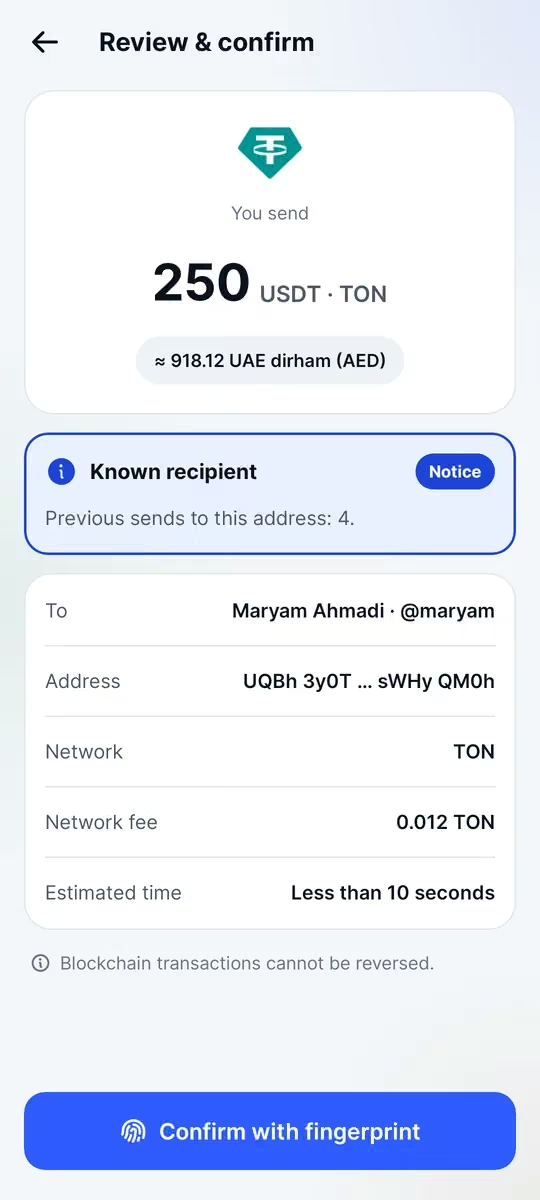
They open the link, see what they are paying for, and pay in TON or USDT on the TON network, whichever your store accepts. The Waletifi app works, and so does any TON wallet: scan the QR, or use the address, the exact amount and the memo. The payment goes on-chain directly to your store’s wallet. Waletifi never holds the money.
See what each link does
The web panel lists your links with views, invoices created and invoices paid, plus a QR for each one that you can print or post. Every paid invoice shows up in your books like any other sale, with a PDF receipt.
If a link gets views but few paid invoices, you’ll see it in the numbers and can rethink it or switch it off.
Ideas for using links
- A “pay here” QR on a market stall or delivery bag
- A link in your Instagram or Telegram bio for your best-selling product
- A fixed-amount link for class fees, repairs or deposits
- One link per service on a freelancer’s price list