

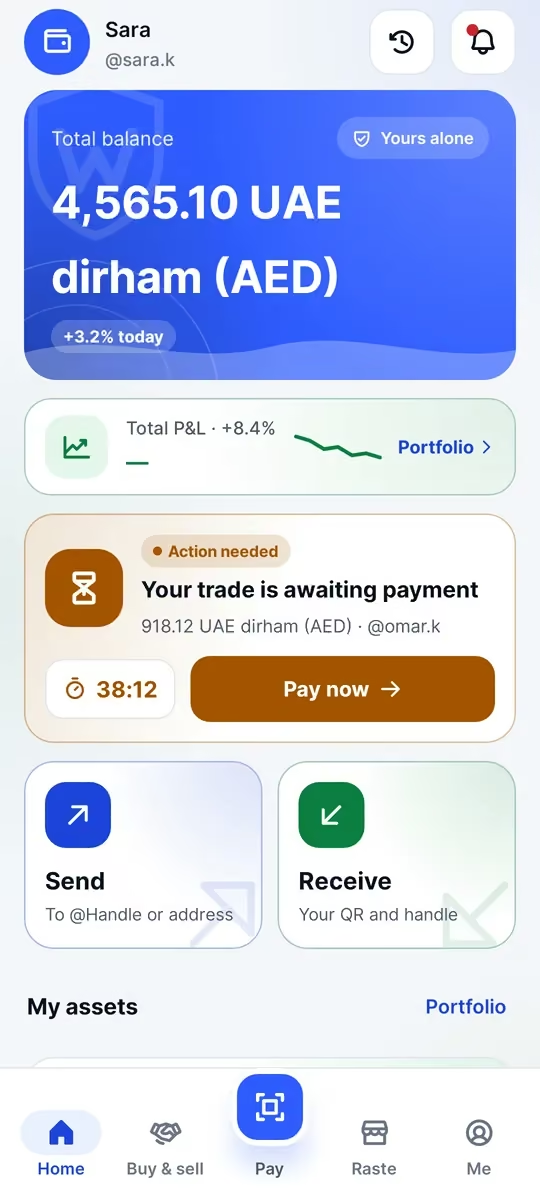
Custodial vs non-custodial
When you keep crypto on an exchange or a custodial app, the company holds the keys and you hold a promise. If it freezes your account, goes offline or loses the funds, you depend on it to make things right.
In a non-custodial (self-custody) wallet like Waletifi, the private keys are created and stored on your phone. Nobody else, including us, can move, freeze or lose your funds on your behalf. You don’t depend on a company holding your coins.
What it shifts to you
Self-custody means the recovery phrase is your responsibility. Anyone who has your 24 words controls your funds, and if you lose both your phone and the phrase, nobody can restore your wallet for you.
Recovery phrase basics
Your recovery phrase is 24 words. Treat it like the key to a safe:
- Write it on paper and keep it somewhere safe
- Never share it with anyone, for any reason
- Never photograph it, screenshot it, store it in the cloud or copy it to the clipboard
- Support will never ask for it; anyone who does is a scammer
How Waletifi protects your keys
Your keys are encrypted with a hardware-backed key in the phone’s Android Keystore and unlocked with your fingerprint or PIN. The PIN itself is never stored. Screens that show the phrase block screenshots, repeated wrong PINs make you wait longer between attempts, and the app warns you if the phone is rooted.
A standard phrase, so you can always leave
The phrase is a standard 24-word phrase that is valid for both BIP39 and TON. If you ever need to, you can restore your wallet in other standard wallets.